Valence 1.2.2 - Ink in your theme's colors, and a cleaner Settings
Yesterday’s ink got a wardrobe, and Settings learned to stay out of your way.
What’s new
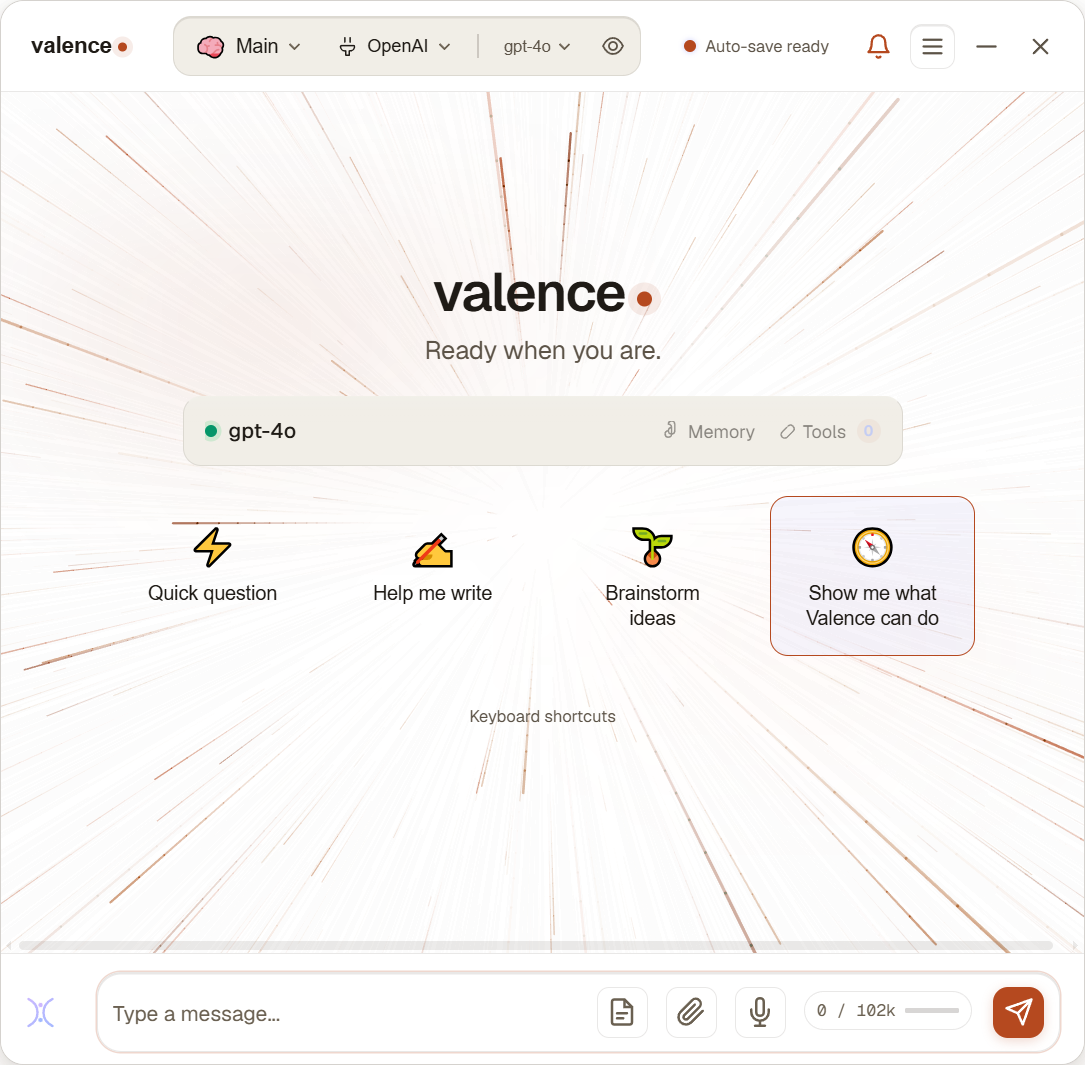
- Every light theme gets its own ink. Loading effects now draw in colors matched to your theme, indigo on Porcelain, warm sepia on Bone & Ink, ocean blues on Tide, sunrise coral on Dawn. The live preview in Settings shows exactly what you’ll get, and switching themes swaps the ink instantly.
- Settings, reorganized. Long pages split into quick views you pick with chips, Theme (Style / Motion / Text & Input / Window), Local Model, and About, with everything inside already open. No more clicking section after section to find things. On smaller windows the navigation collapses into one compact header instead of pushing content off screen.
- Growing Tree, tamed. The blossom canopy reads as blossoms over branches instead of one glowing mass, on every theme.
Fixes
- Appearance controls (compact mode, opacity, always-on-top) no longer stop responding after revisiting the Theme tab.
Download
Valence 1.2.2 (.msi) · Windows 10/11 (64-bit) · 829.86 MB · 7-day free trial, then $59.95 once.
SHA-256:
333D9413536D929E4802B8463F7AFF10E93AB5B0DB26B7488CDD63A170E18A9CUnsigned installer, SmartScreen may warn: More info → Run anyway. Existing installs upgrade in place.