Valence for Android 1.5.18 alpha - Watch it think
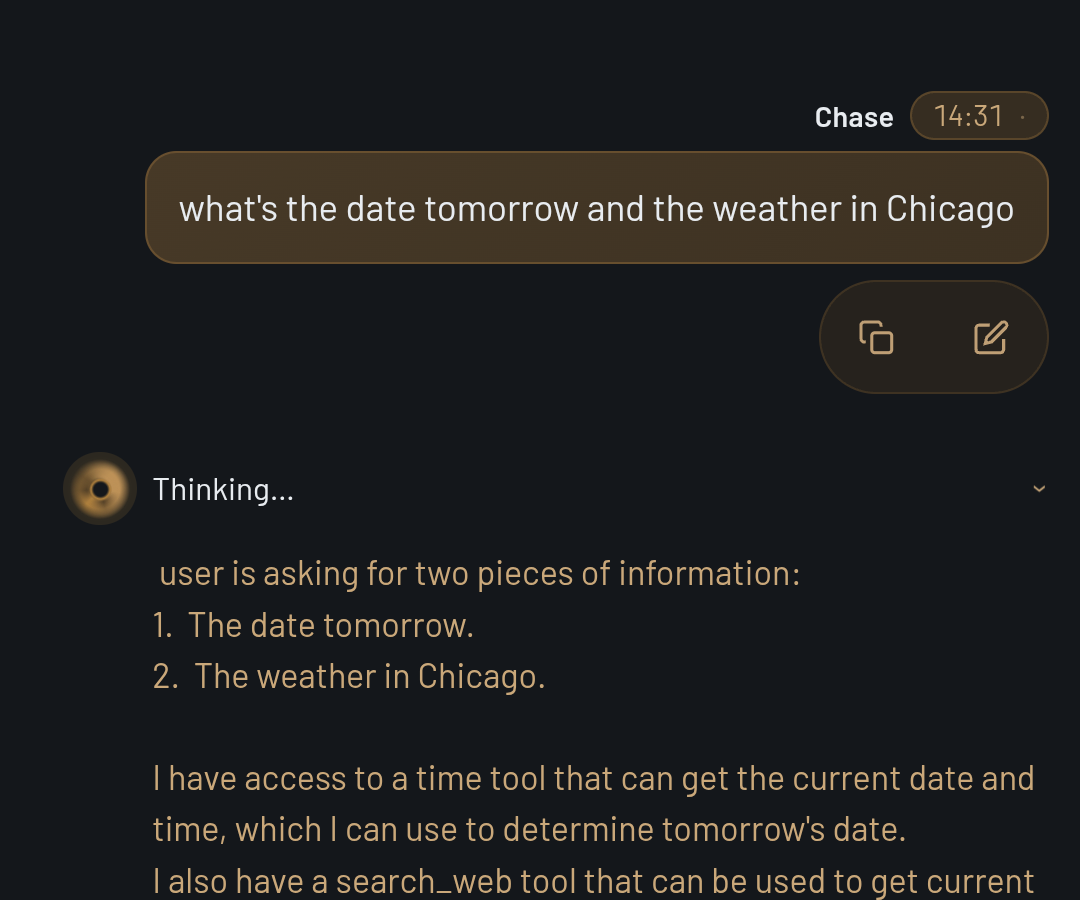
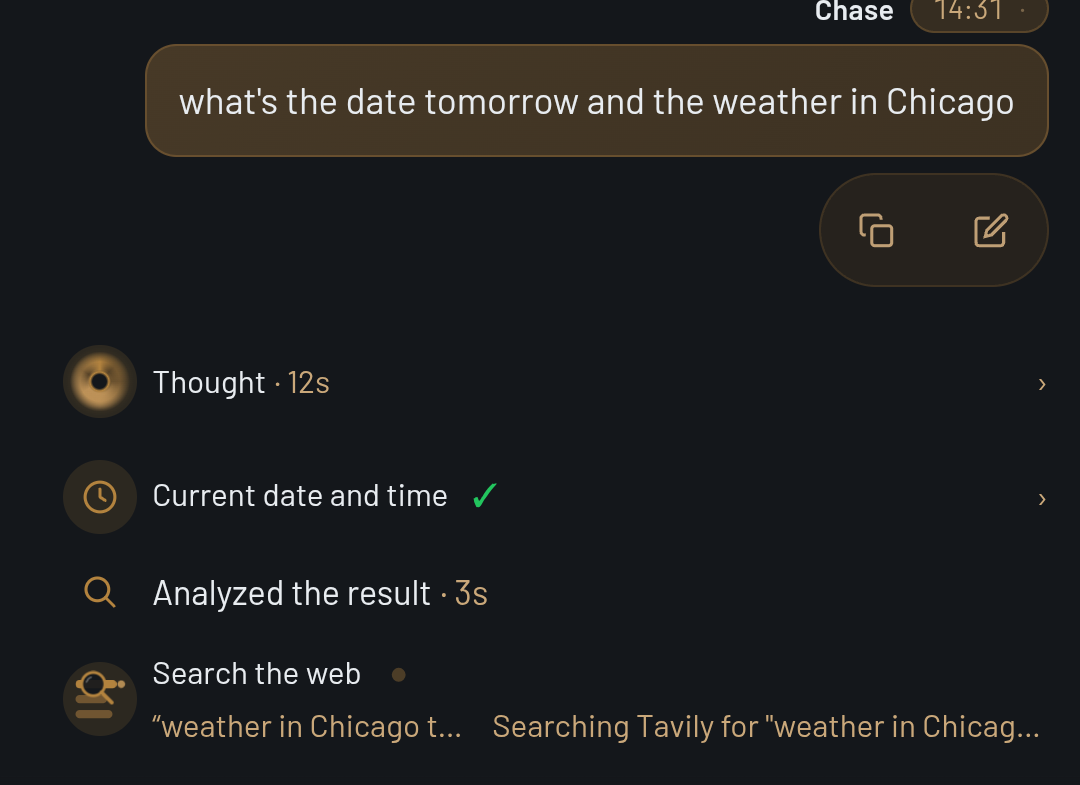
This release is about seeing what Valence is doing. While it works on your question, the steps above the answer now move: an eye while the model thinks, a scanning search icon while it looks something up on the web. When it’s done, every step tells you how long it took. And Valence has a new icon.
What’s new
- An eye while it thinks. While the model is thinking, the Thought row shows an animated eye. Tap the row afterwards to read what it thought, with the thinking level and how long it took.
- A search icon that shows what happened. While Valence searches, the icon scans. When the search ends, the icon shows whether it found results, found nothing, or couldn’t search, for example when the phone is offline.
- Every step shows how long it took. Steps now read “Thought · 12s” or “Search the web ✓ · 3s” instead of character counts. Steps that finish in under a second show no time. Reopen the chat later and the times are still there. Chats saved before this update show no times.
- A cleaner list of steps. Only the answer sits in a card. The steps line up in one column above it, and a › on the right marks the steps you can open.
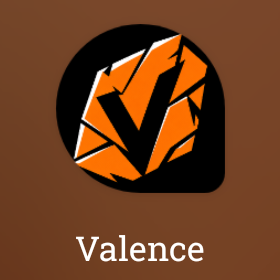
- A new app icon. An orange shattered V on black. The same V is now on the Quick Settings tile, in notifications and on the home-screen widget.
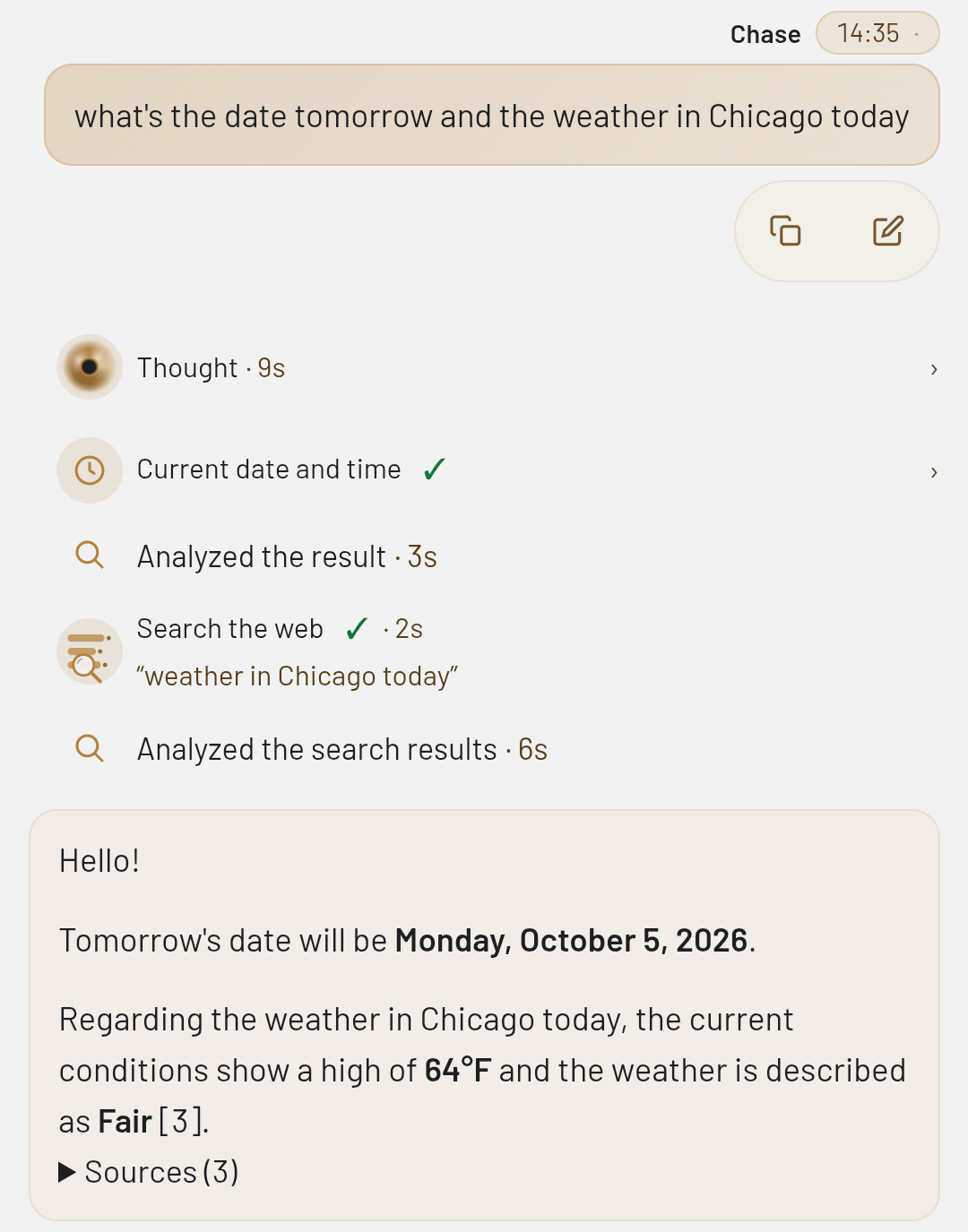
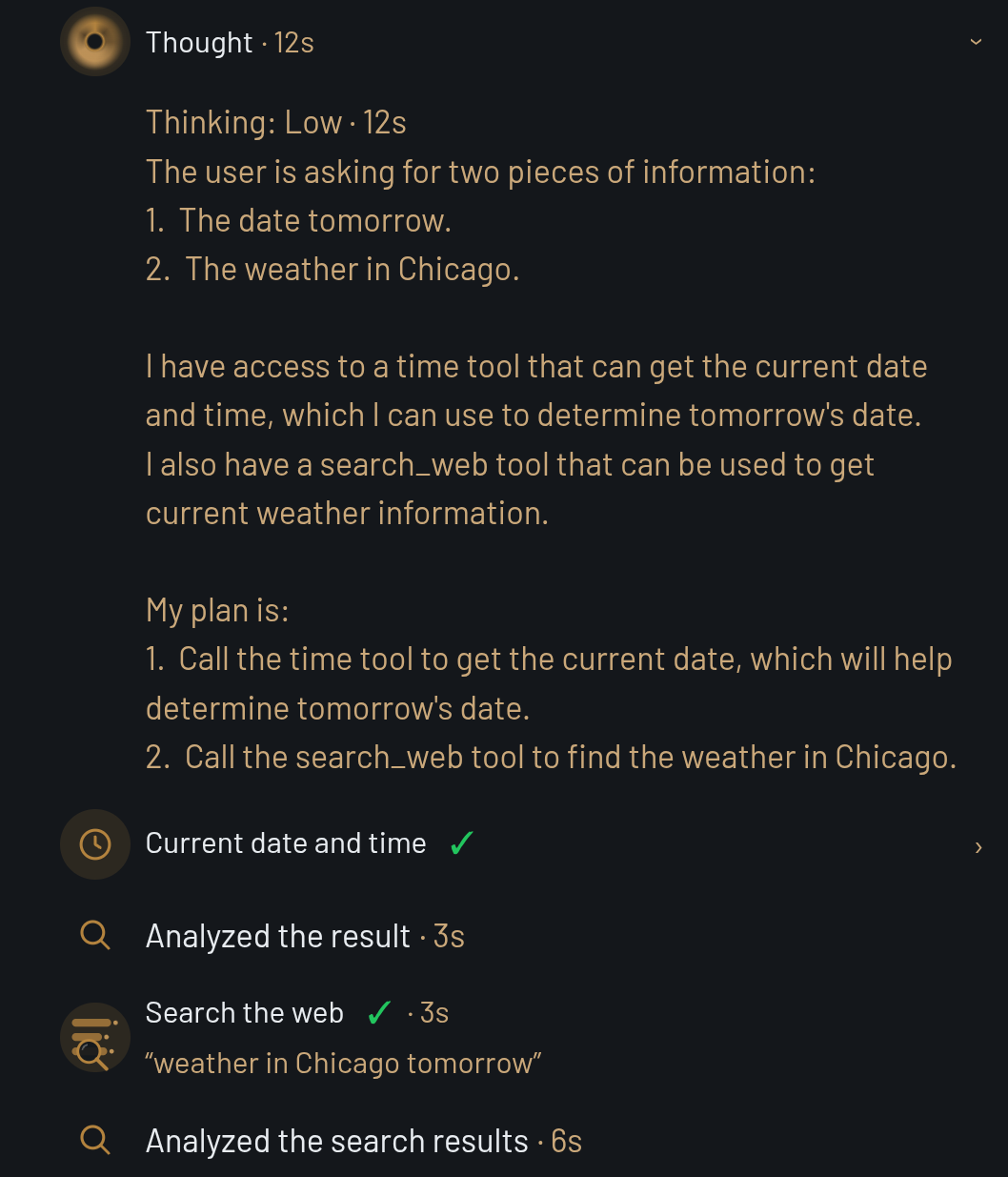
Every screenshot here is from this release, running on a motorola razr plus 2023 and captured from the phone's own screen.
Good to know
The on-device model can still use a web result for the wrong day. In one of our test runs it answered “the weather in Chicago” with a forecast for a different date, though it did say the date didn’t match. Check the Sources under the answer.
Download
Valence-1.5.18-alpha-arm64.apk · 64-bit Android 7.0+ · 33 MB
SHA-256: 6A100AE033BB4550941D5C3860D58496220EEB59F6F06401DD481783AEDDBA9C
Installs straight over 1.5.14 or later and keeps your chats and your downloaded model.
Found something broken? Write to help@helixailabs.com.